Bank Account Opening Online: Step-by-Step Process Explained Clearly
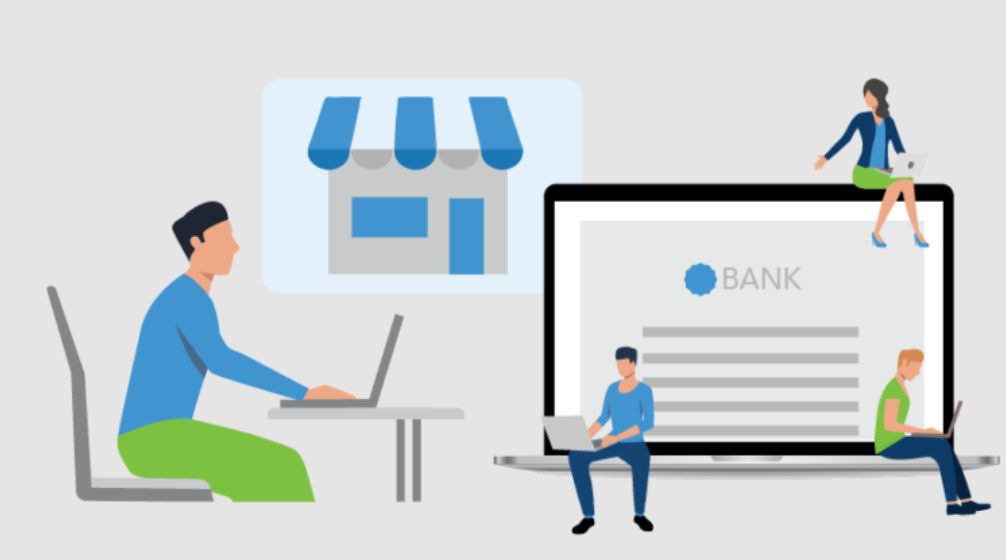
Online banking has made life easier for millions of people. Today, Bank Account Opening can be completed from home using a mobile phone or computer. This process saves time, reduces paperwork, and removes the need to visit a bank branch in many cases. Understanding each step helps you complete the process without mistakes or delays.
What Online Bank Account Opening Means
Online account opening allows you to apply for a bank account using a bank’s website or mobile application. The entire process happens digitally.
Banks use electronic verification methods to confirm identity and address. Once approved, the account becomes active without physical paperwork.
See also: Luxury Wall Art: Tech’s Impact on Business Interiors
Why Banks Promote Online Account Opening
Online applications reduce operational costs for banks. They also allow faster onboarding of customers.
For users, online account opening offers convenience, speed, and flexibility. It works well for people who prefer digital services.
Types of Accounts That Can Be Opened Online
Most banks allow savings accounts to be opened online. Some also support salary accounts and basic zero balance accounts.
Business and current accounts usually need branch verification. Availability depends on bank policy and local regulations.
Eligibility Requirements for Online Applications
Applicants must meet age and residency requirements. Valid identity and address proof are essential.
Applicants also need access to a smartphone or computer with internet connectivity. A stable connection helps avoid interruptions.
Documents Required for Online Account Opening
Banks ask for digital copies of identity proof and address proof. These documents must be clear and readable.
Some banks also require a tax identification number. The exact requirement depends on the account type.
Importance of Accurate Digital Documents
Clear documents speed up verification. Blurry images or cropped files often lead to rejection.
Details like name, date of birth, and address must match across all documents. Even small mismatches cause delays.
Step One: Choosing the Right Bank and Account
Start by comparing banks and account features. Look at balance rules, fees, and digital services.
Choose an account that matches your income and usage pattern. This avoids future issues.
Step Two: Filling the Online Application Form
Enter personal details such as name, date of birth, and contact information. Accuracy is very important at this stage.
Most banks auto-validate information. Incorrect entries may stop the process immediately.
Step Three: Uploading Required Documents
Upload scanned copies or photos of documents. Ensure good lighting and proper alignment.
Banks may reject documents if text or photos are unclear. Always review before submission.
Step Four: Completing Digital KYC Verification
Digital KYC verifies your identity electronically. Many banks use video KYC or biometric checks.
During video KYC, a bank representative verifies your face and documents live. This step replaces branch visits.
Step Five: Confirmation and Account Approval
After verification, the bank reviews your application. Approval timelines vary by bank.
Once approved, you receive account details through SMS or email. Digital access becomes available soon after.
Time Taken for Online Account Activation
Some accounts activate within minutes. Others may take one to two working days.
Delays usually occur due to document mismatch or incomplete verification.
Advantages of Online Account Opening
Online applications save travel time and effort. They allow account setup at any hour.
Digital onboarding also reduces paperwork. Many banks offer instant account numbers.
Limitations of Online Account Opening
Online processes may not suit users with complex documentation. Internet issues can also interrupt applications.
Some banks still require branch visits for final verification in special cases.
Online vs Branch Account Opening Comparison
Online opening offers speed and convenience. Branch opening offers personal guidance.
The right choice depends on comfort with digital tools and document readiness.
Security Measures in Online Banking Applications
Banks use encryption and secure servers to protect data. OTPs and alerts add extra security.
Users should avoid public Wi-Fi and use official bank apps only.
Common Mistakes During Online Applications
Uploading unclear documents is a common mistake. Incorrect personal details also cause rejection.
Rushing through the form without review increases errors. Always double-check entries.
How to Avoid Rejection in Online Account Opening
Prepare documents in advance. Ensure all details match official records.
Follow on-screen instructions carefully. Respond quickly if the bank asks for clarification.
Digital Banking Services After Account Activation
After activation, users can access mobile banking, net banking, and debit cards.
These services allow balance checks, transfers, and bill payments easily.
Managing Your Account After Online Setup
Set strong passwords and update contact details. Enable alerts for transactions.
Regular monitoring helps maintain account safety and control.
Who Should Prefer Online Account Opening
Tech-savvy users and busy professionals benefit the most. First-time users with clear documents also find it easy.
Online opening suits those who want quick access to banking services.
When Branch Opening Is a Better Choice
People with complex cases may need branch support. Foreign nationals and business owners often require offline verification.
Branch staff can clarify doubts instantly.
FAQs About Online Bank Account Opening
Can I open a bank account fully online
Yes, many banks allow full digital onboarding with video KYC.
Is online account opening safe
Yes, banks follow strict security standards. Users must also follow safe practices.
What if my online application is rejected
You can reapply after correcting issues or visit a branch for assistance.
Do online accounts have the same features
Most features are the same. Some limits may apply initially.
Can I switch to a different account later
Yes, banks allow upgrades after activation.
Final Thoughts on Online Account Opening
Online banking has simplified access to financial services. It offers speed, ease, and flexibility.
When done correctly, Bank Account Opening online becomes a smooth and efficient way to start your banking journey.